GTA 6 Controls: Every PS5 and Xbox Button (On Foot, Combat, Driving and Hidden Moves)
The full GTA 6 controls list for PS5 and Xbox: running, combat, driving, Focus, menus and hidden moves, plus the Classic scheme and how to remap buttons.

New to GTA 6, or coming from GTA V and wondering why you keep crouching when you meant to run? Here's the full GTA 6 controls list for PS5 and Xbox: on foot, in a fight, behind the wheel, plus the hidden moves nobody tells you about.
TL;DR: Click L3/LS to run (again to sprint). L2/LT aim, R2/RT shoot, R1/RB cover. L3 + R3 for Focus. Touchpad/View for the map. Want GTA V-style buttons? Switch to the Classic scheme in Settings.

On foot
| Action | PS5 | Xbox |
|---|---|---|
| Move | Left stick | Left stick |
| Camera | Right stick | Right stick |
| Run / sprint | Click L3 (again to sprint) | Click LS (again to sprint) |
| Jump / climb | Cross | A |
| Crouch | Circle | B |
| Interact | Triangle | Y |
| Melee | Square | X |
| Weapon wheel / Loadout | L1 | LB |
The big change from GTA V: running is a stick click, not a held button. It feels weird for about ten minutes, then natural.
Combat
| Action | PS5 | Xbox |
|---|---|---|
| Aim | L2 | LT |
| Shoot | R2 | RT |
| Take cover | R1 | RB |
| Focus | L3 + R3 | LS + RS |
| First-person look while aiming | Hold L2, click R3 | Hold LT, click RS |
Focus slows time and shows weak spots. It's also how you search rooms and spot cops, so use it constantly.
Driving
| Action | PS5 | Xbox |
|---|---|---|
| Accelerate | R2 | RT |
| Brake / reverse | L2 | LT |
| Handbrake | Cross | A |
| Exit vehicle | Triangle | Y |
| Auto-drive (reported) | Hold Circle at the prompt | Hold B at the prompt |
Driving is heavier than GTA V and damage is brutal. Our car tricks guide covers flipping a car back over, trunk outfits and quiet theft.
Menus and phone
| Action | PS5 | Xbox |
|---|---|---|
| Map | Touchpad | View |
| Pause | Options | Menu |
| Quick navigation / partner menu | D-pad (see below) | D-pad |
The D-pad confusion
Guides disagree on which D-pad direction does what. Some say D-pad Right opens Quick Navigation and D-pad Down opens the partner menu; others say it's the reverse, with a hold on each. Check the in-game controls screen and you'll know in two seconds.
Hidden moves
These aren't in the tutorial:
- Lean on a car: hold Circle/B next to it.
- Shove an overturned car: get out, walk into its side and hold Square/X (see car tricks).
- Fishing cast: hold L2/LT, then press and release R2/RT (see the fishing guide).
- House repairs and other chores: hold Triangle/Y to start, then follow the prompts (see fix the railing).
Classic scheme and remapping
- Classic control scheme: in Settings, this swaps Run and Crouch to feel closer to older GTAs.
- Remap Focus: Settings > Gameplay. Worth it if clicking both sticks mid-fight kills your thumbs.
Our take
The new layout makes sense once it clicks (literally). Stick-click running frees up a face button, and Focus on both sticks is easy to hit without moving your thumbs. But if you've got 12 years of GTA V muscle memory, the Classic scheme is there for a reason. No shame in using it, chief.
Button layouts come from GTABase, Spottis and Gaming Dojo. Defaults may change with patches.
See also
Частые вопросы
›How do you run in GTA 6?
Click the left stick (L3 on PS5, LS on Xbox) while moving to run, and click it again to sprint.
›How do you use Focus in GTA 6?
Click both sticks together: L3 + R3 on PS5, LS + RS on Xbox. You can remap it in Settings > Gameplay.
›Can you change the controls in GTA 6?
Yes. Settings has a Classic control scheme (which swaps Run and Crouch) and lets you remap actions like Focus.
›How do you open the map in GTA 6?
Press the touchpad on PS5 or the View button on Xbox.
Нашёл устаревшую или неверную инфу? Напиши на форуме — обновим.
Похожие статьи
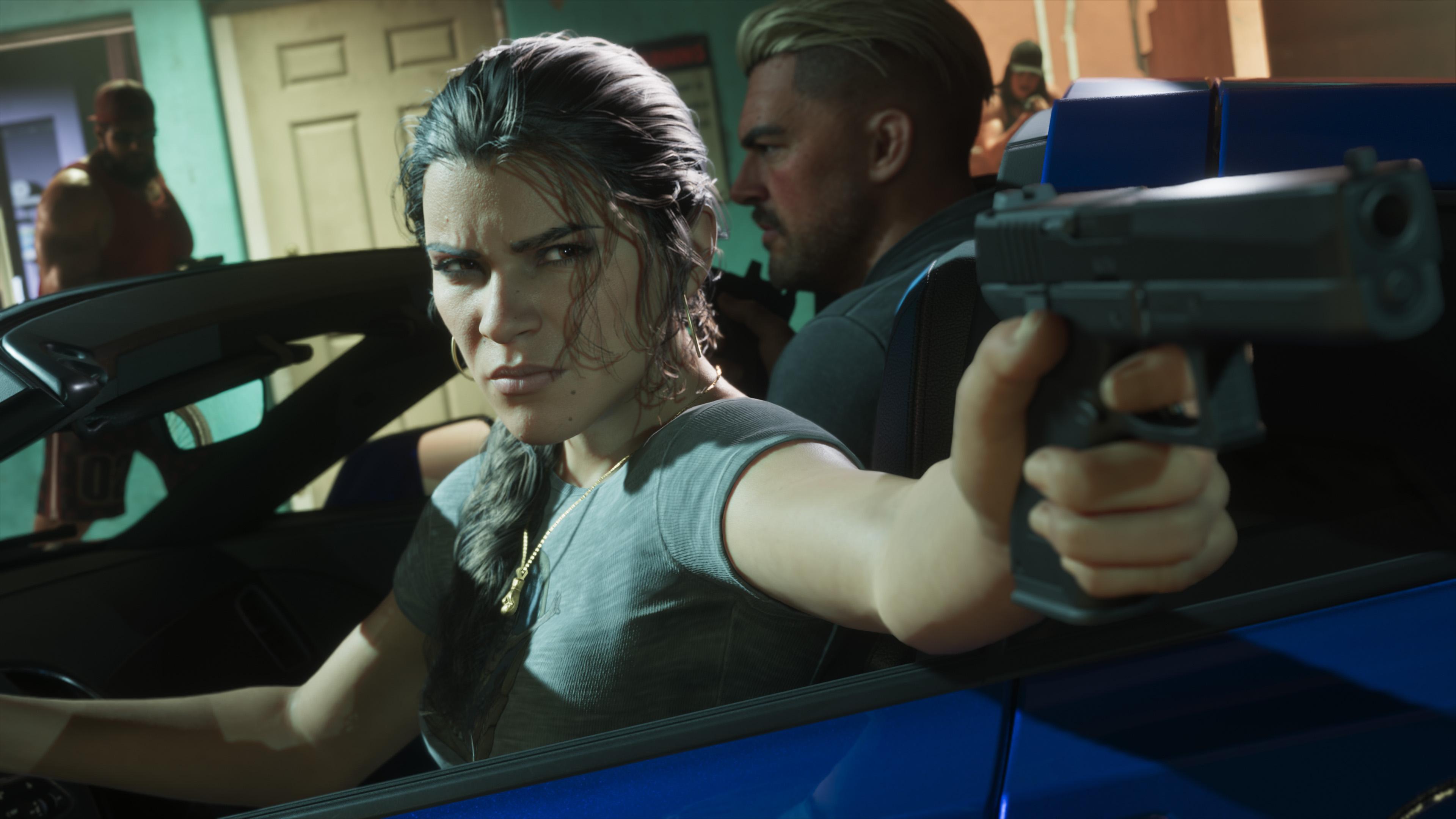
How Focus Works in GTA 6: Slow-Mo, Weak Spots, Searching and Refilling the Bar
GTA 6's Focus ability explained: how to unlock it, the L3+R3 controls, red vs yellow weak spots, using it to find loot and cops, and every way to refill it.
26 нояб. 2026 г. · 3 мин чтения
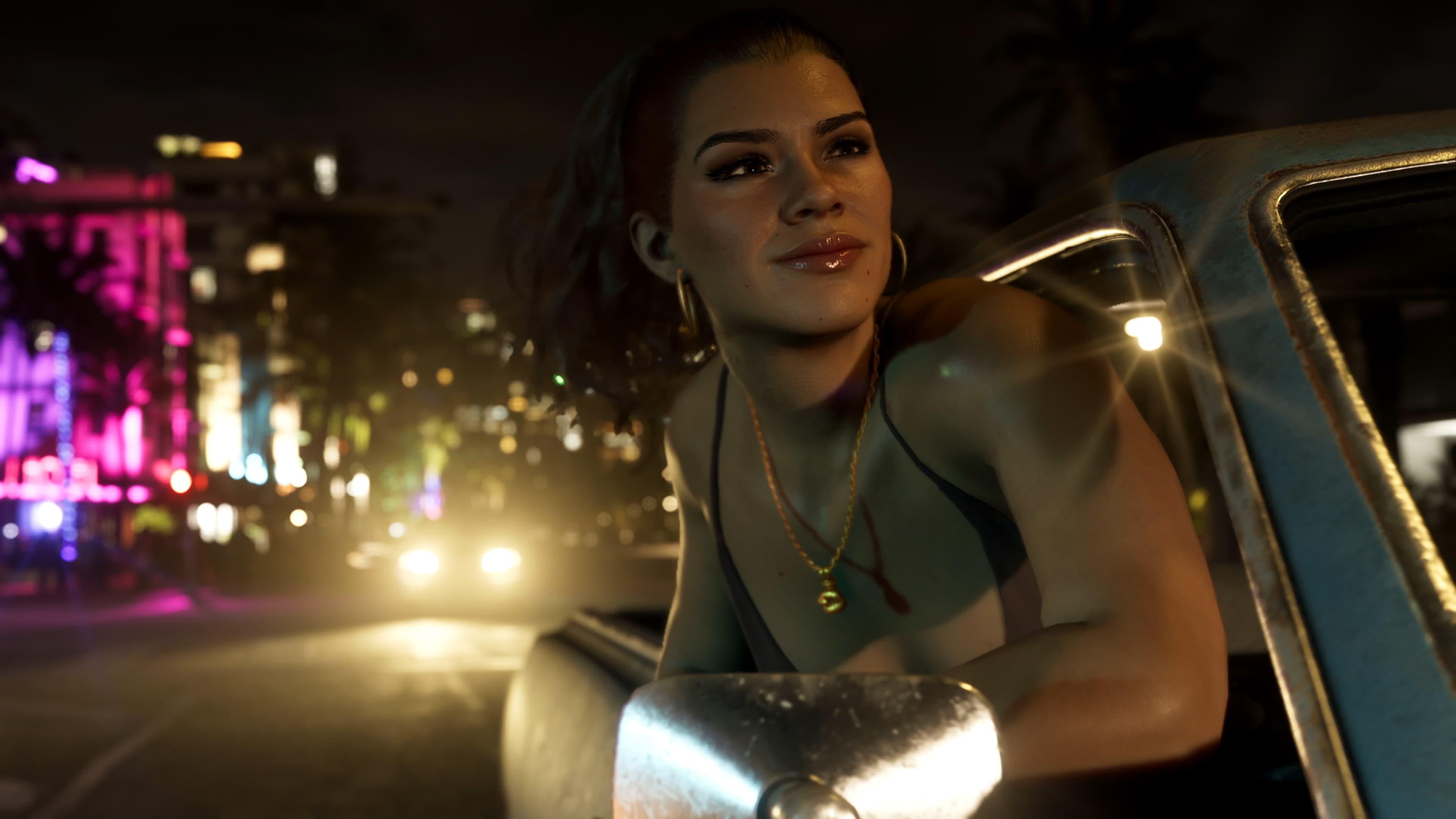
GTA 6 Gameplay Features
Everything GTA 6's gameplay does: two protagonists, hundreds of enterable interiors, a smarter wanted system, tool-based car theft, store robberies, reactive NPCs, radio and podcasts.
23 нояб. 2026 г. · 6 мин чтения
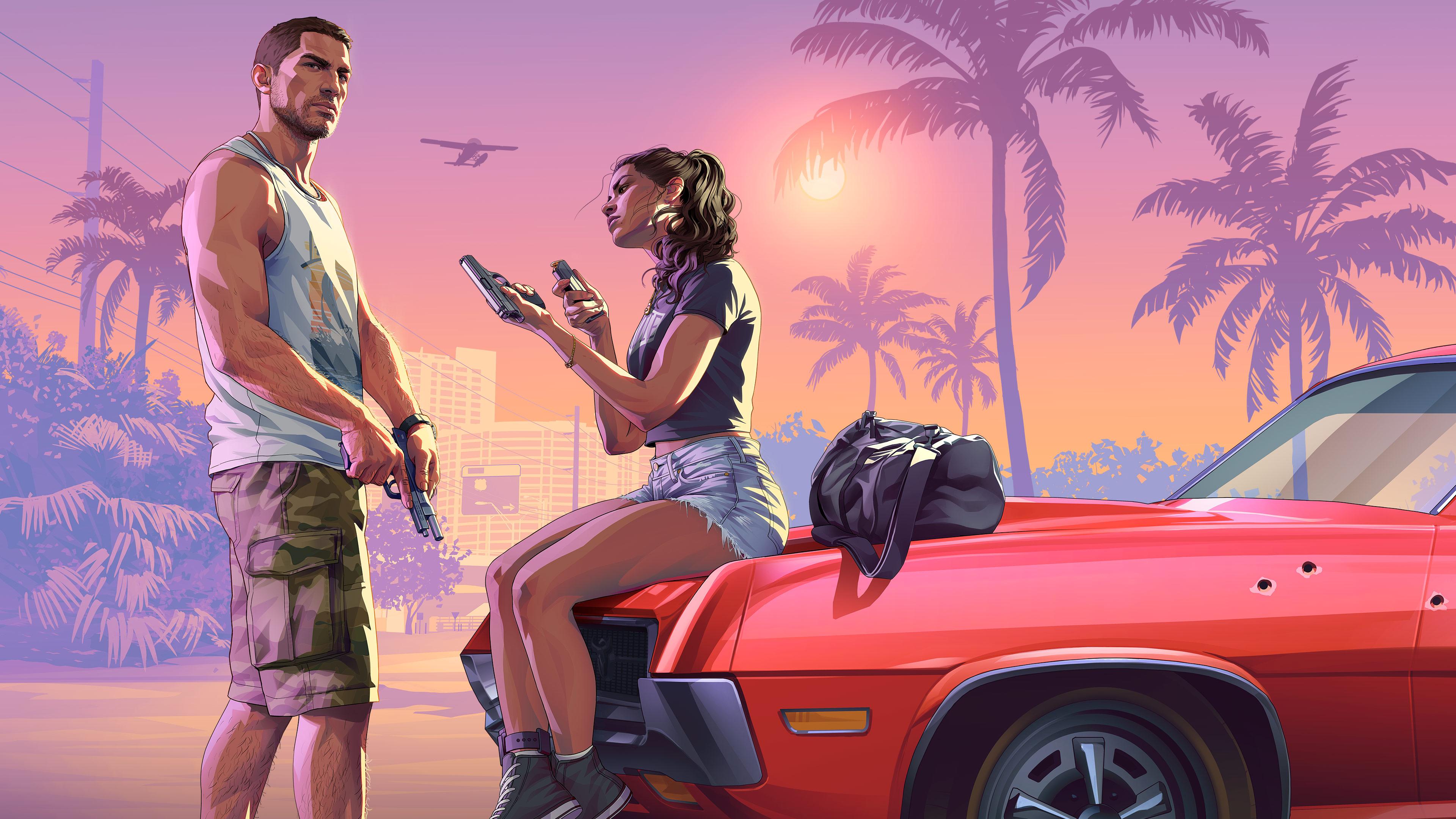
GTA 6 Platforms, Price & Editions
Which consoles GTA 6 is on, how much it costs at launch, whether there's a PS4 or PC version, and what to know before you buy.
20 нояб. 2026 г. · 2 мин чтения

Every Animal in GTA 6: 170+ Species, From Gators in Gas Stations to Manatees
GTA 6 has more than 170 animal species. Which animals are confirmed, where to find them in Leonida, the real Florida wildlife behind them, and the Skunk Ape rumours.
26 нояб. 2026 г. · 4 мин чтения
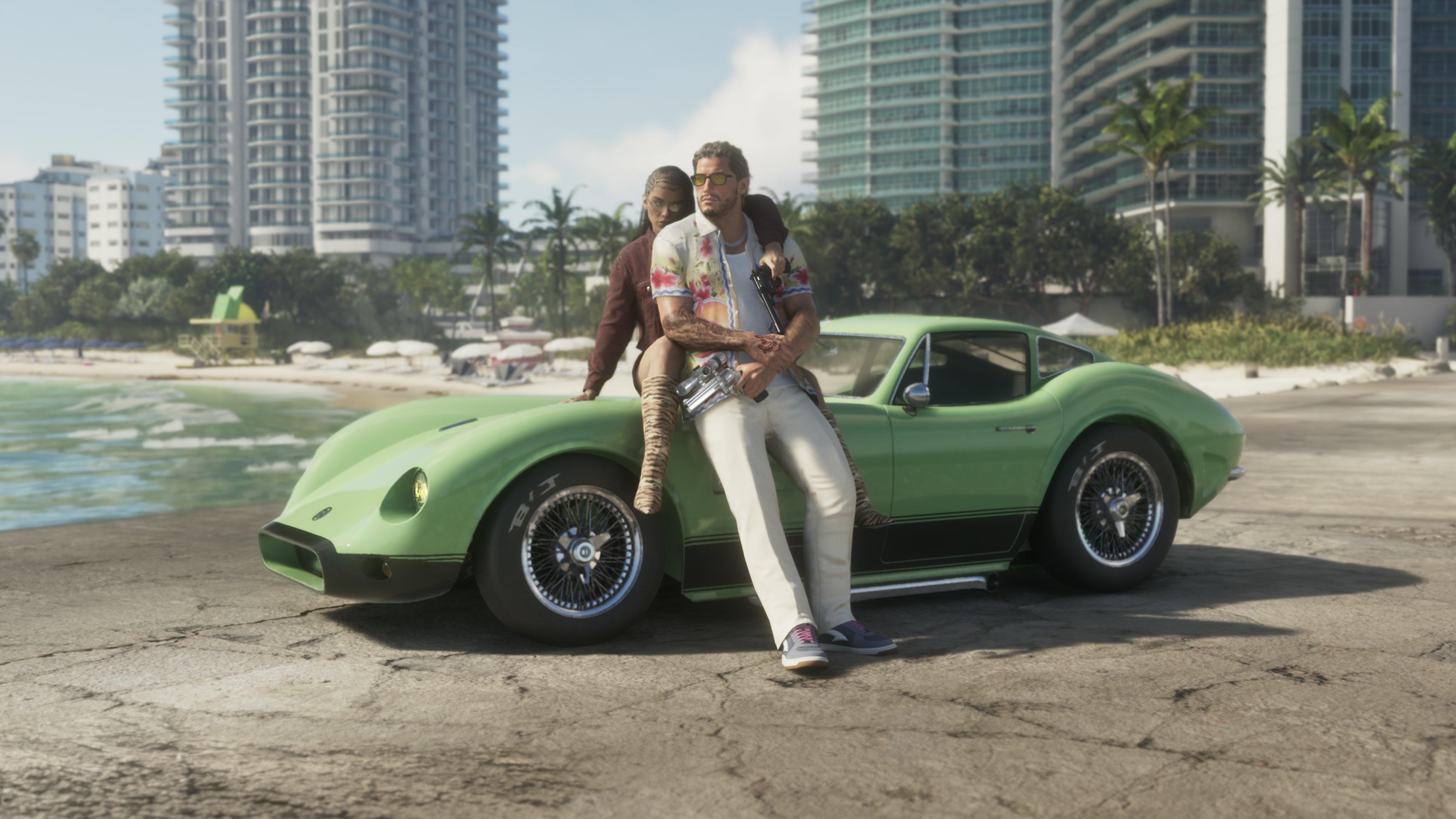
GTA 6 Car Tricks: Store Outfits in Your Trunk, Flip Your Car, Auto-Drive and Steal Without the Alarm
Handy GTA 6 car tricks: how to save outfits to your trunk to shake the cops, push an overturned car back onto its wheels, use auto-drive, and steal cars silently.
26 нояб. 2026 г. · 4 мин чтения

GTA 6 Radio Stations: All 21 Stations, 740+ Songs and the First-Ever Podcasts
Every GTA 6 radio station: genre, standout artists and track counts for all 21 music stations, plus talk radio, DJ shows and the first in-game podcasts in GTA history.
26 нояб. 2026 г. · 4 мин чтения